How to Color-Match Your Entire Setup with One Command
Coordinating colors across six brands usually means opening each product page, checking available variants, and hoping they match. With MAKR, you say one sentence — "make everything white" — and every product in your 3D scene swaps to its matching color variant instantly. One command. Every brand. Done.
What you need
- A web browser (desktop or mobile)
- A setup with at least a few products in the scene
- About 2 minutes
Step 1: Start with any setup
Load a predefined scene or build your own — it doesn't matter what colors your products are right now. You can have a mix of black, white, and silver gear scattered across multiple brands. That's the whole point.
→ Open Atelier with a predefined scene
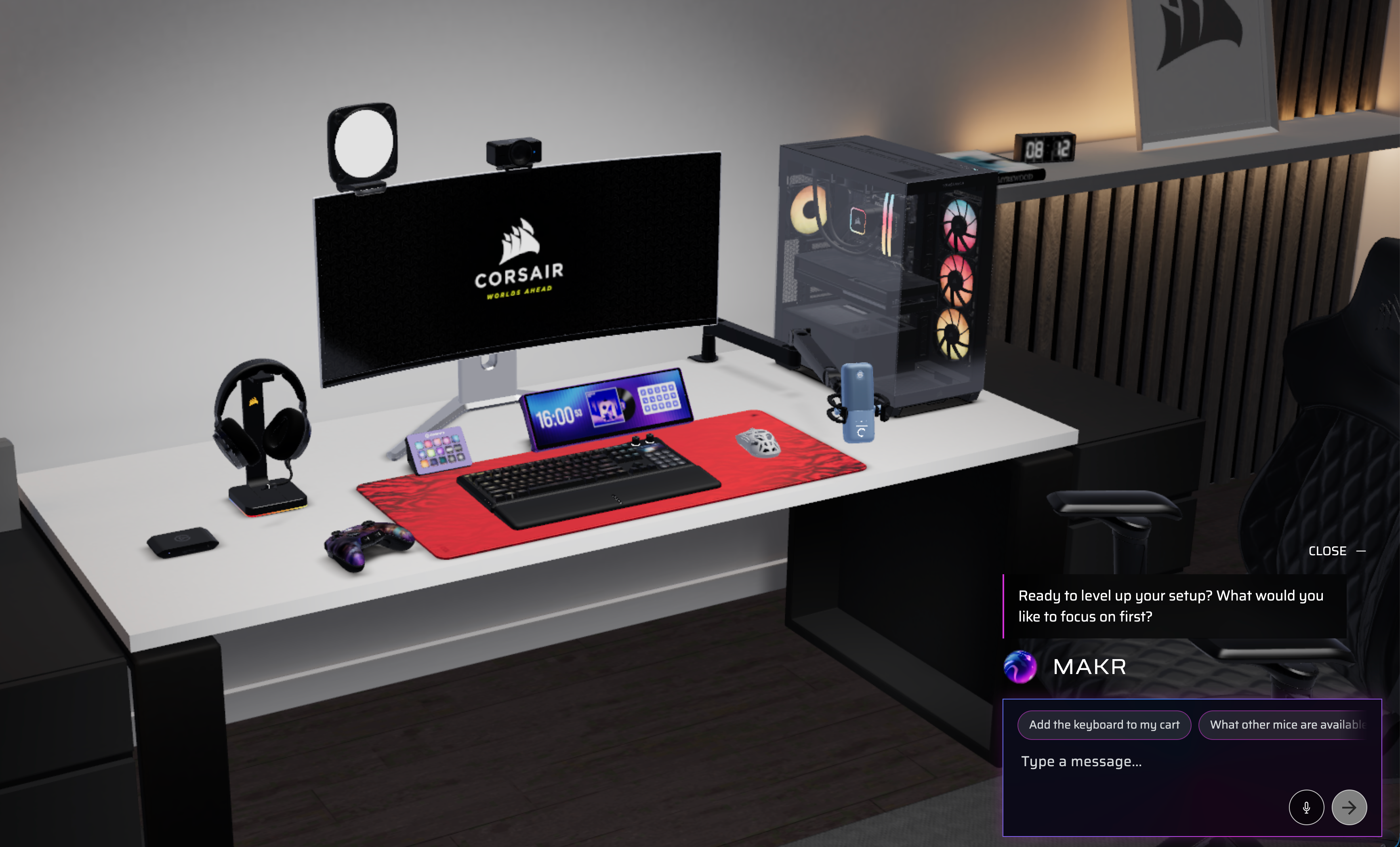
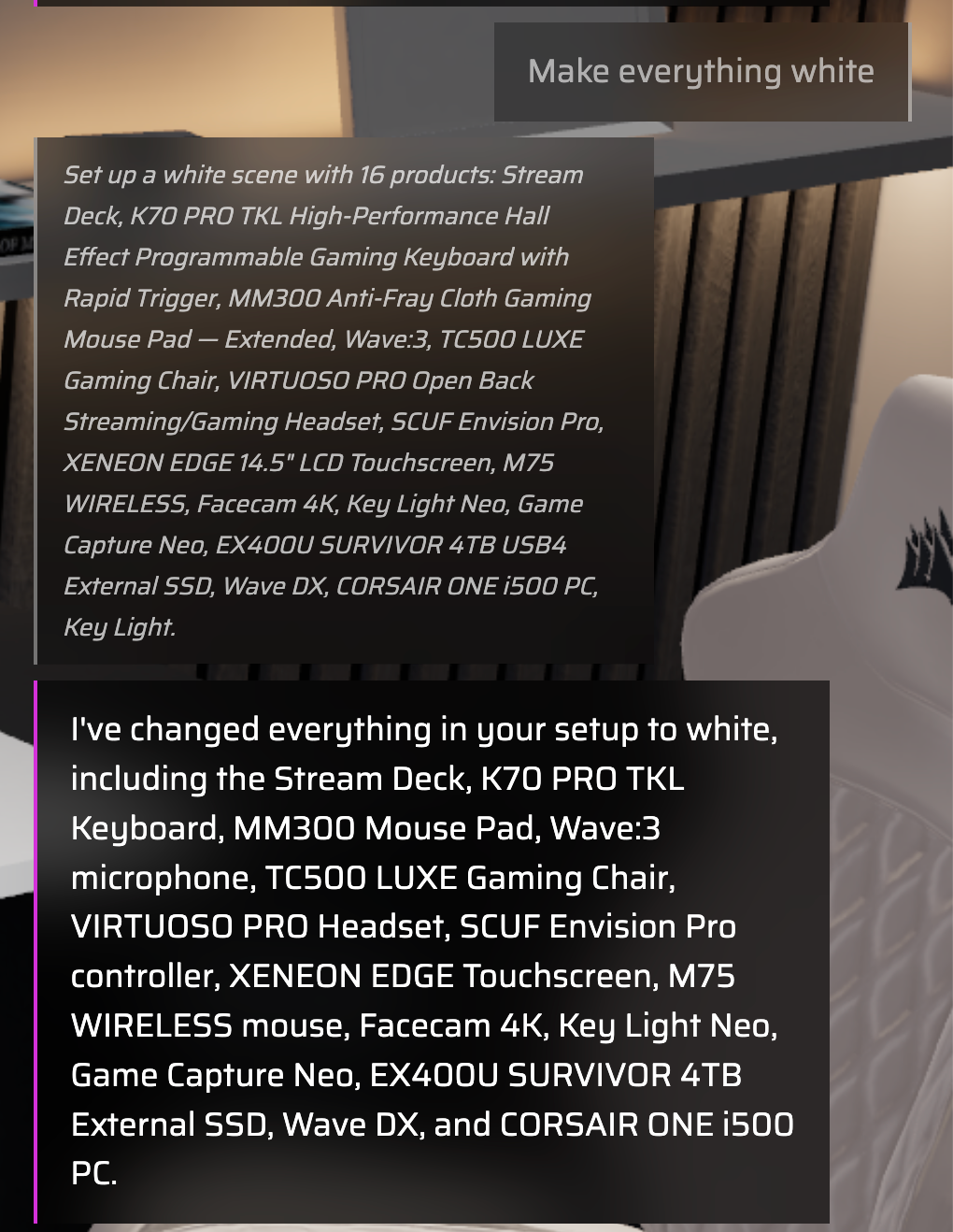
Step 2: Tell MAKR your color
Type or say one sentence:
- "Make everything white"
- "I want an all-black setup"
- "Switch to pink"
- "Go with a midnight theme"
That's it. One command.
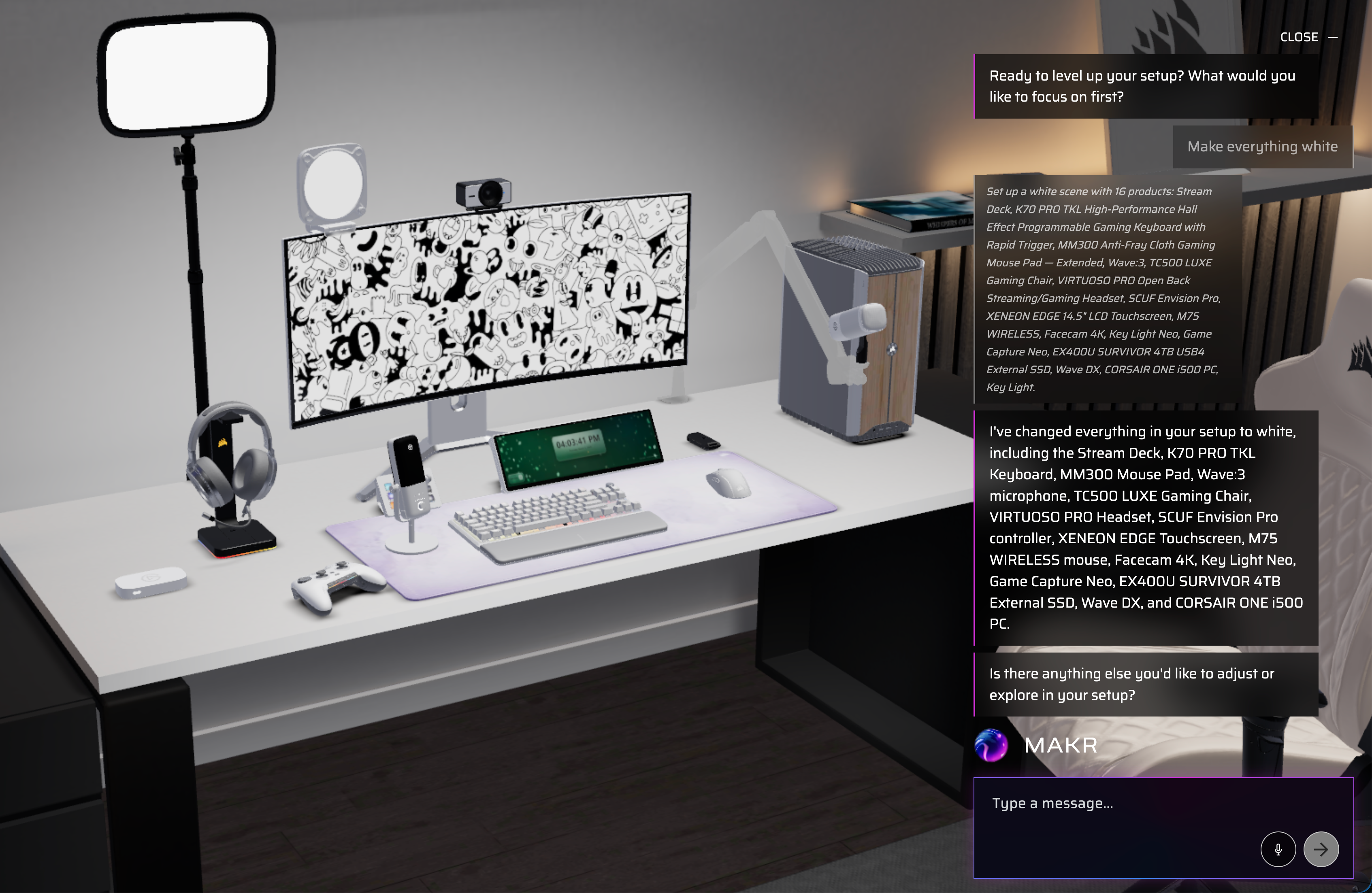
Step 3: Watch the scene transform
Every product swaps to its matching color variant simultaneously. MAKR picks the closest available variant for each product across all brands — Corsair, Elgato, DROP, and more. The entire scene transforms in seconds.
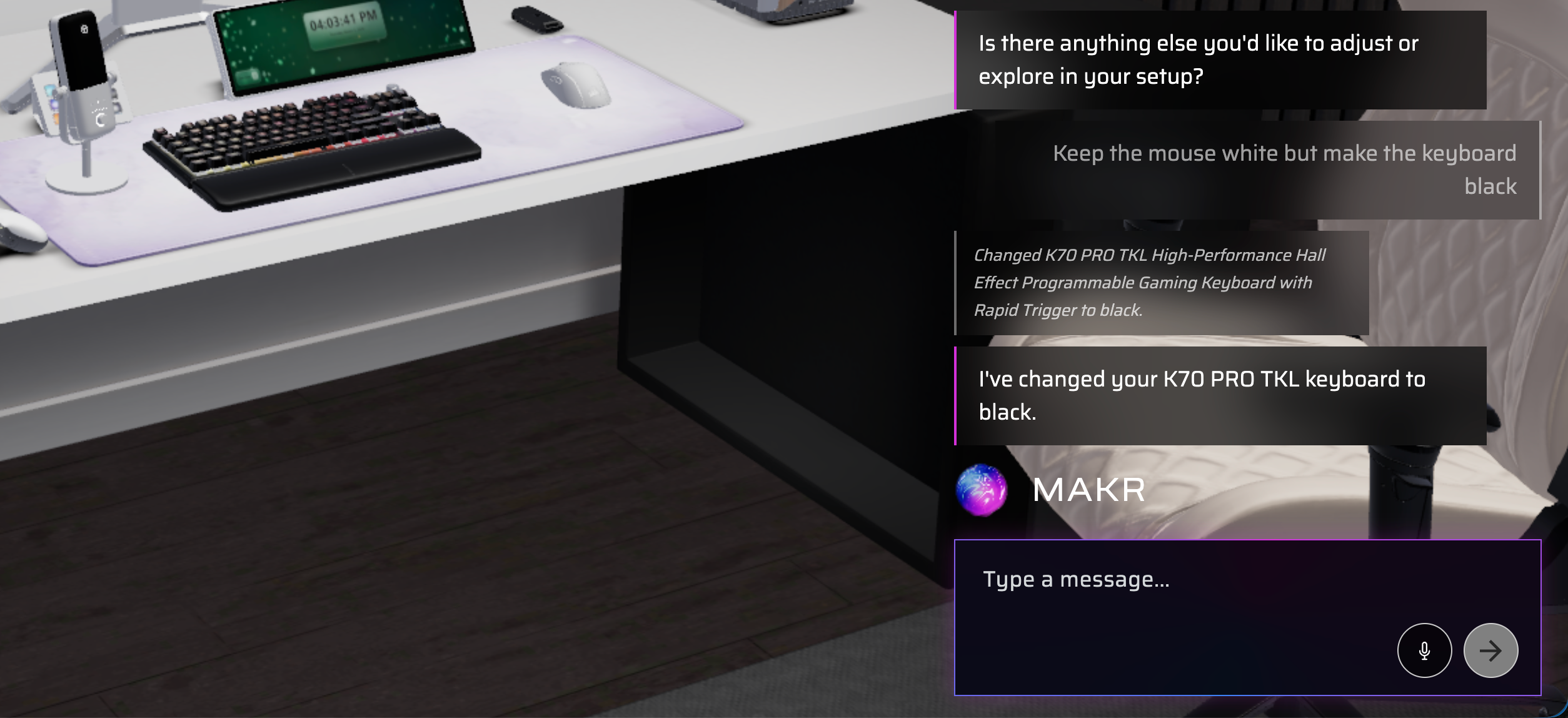
Step 4: Fine-tune individual products
Want some contrast? Tell MAKR to adjust specific products:
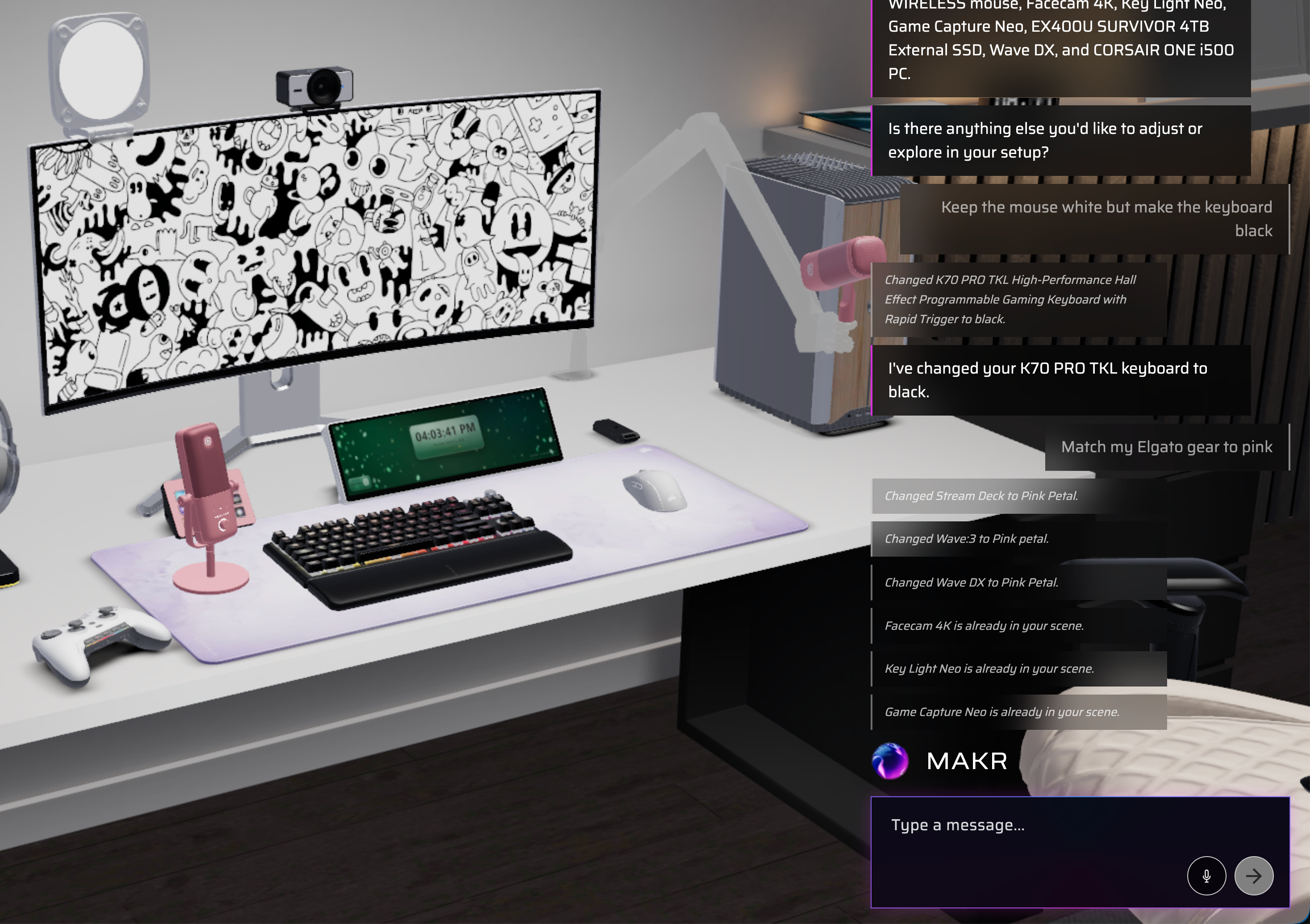
- "Keep the keyboard black but make the mouse white"
- "Change just the headset to gray"
- "Make the PC case black"
MAKR handles per-product color changes just as easily as full-scene ones.
Step 5: Try creative combinations
Get creative with split themes and brand-specific colors:
- "Make the peripherals white and the PC black"
- "Match my Elgato gear to pink"
- "White desk, black everything else"
Experiment freely — every change is instant and reversible. Say "undo" or pick a new color to start over.
Pro tips
- MAKR understands color intent, not just exact names — "midnight" works as well as "black"
- If a product doesn't have your requested color, MAKR tells you and suggests the closest alternative
- Combine with environment changes: after coloring your gear, try "make the wall color match"
- Works across all six brands simultaneously — Corsair, Elgato, Fanatec, Origin, SCUF, and DROP
Ready to color-coordinate your setup?
One sentence. Every product. Every brand. Matched.