Guides
Step-by-step tutorials for getting the most out of Corsair Atelier and MAKR.

How to Build a Content Creator Setup in 3D
Plan your full content creation desk in Corsair Atelier. Visualize cameras, capture cards, microphones, and lighting in real-time 3D before you buy.
5 steps
How to Plan a Combined Desk and Sim Racing Setup
Design a desk rig that works for both gaming and sim racing in Corsair Atelier. See how a wheel base, pedals, and desk peripherals share the same space in real-time 3D.
5 steps
How to Design Your Home Office Setup in 3D
Plan your perfect work-from-home desk in Corsair Atelier. Visualize monitors, ergonomic chair, keyboard, and accessories in real-time 3D before you buy.
5 steps
How to Plan Your Streaming Setup in 3D
Design your complete streaming desk in Corsair Atelier. See how dual monitors, microphone, capture card, and StreamDeck fit together in real-time 3D.
5 steps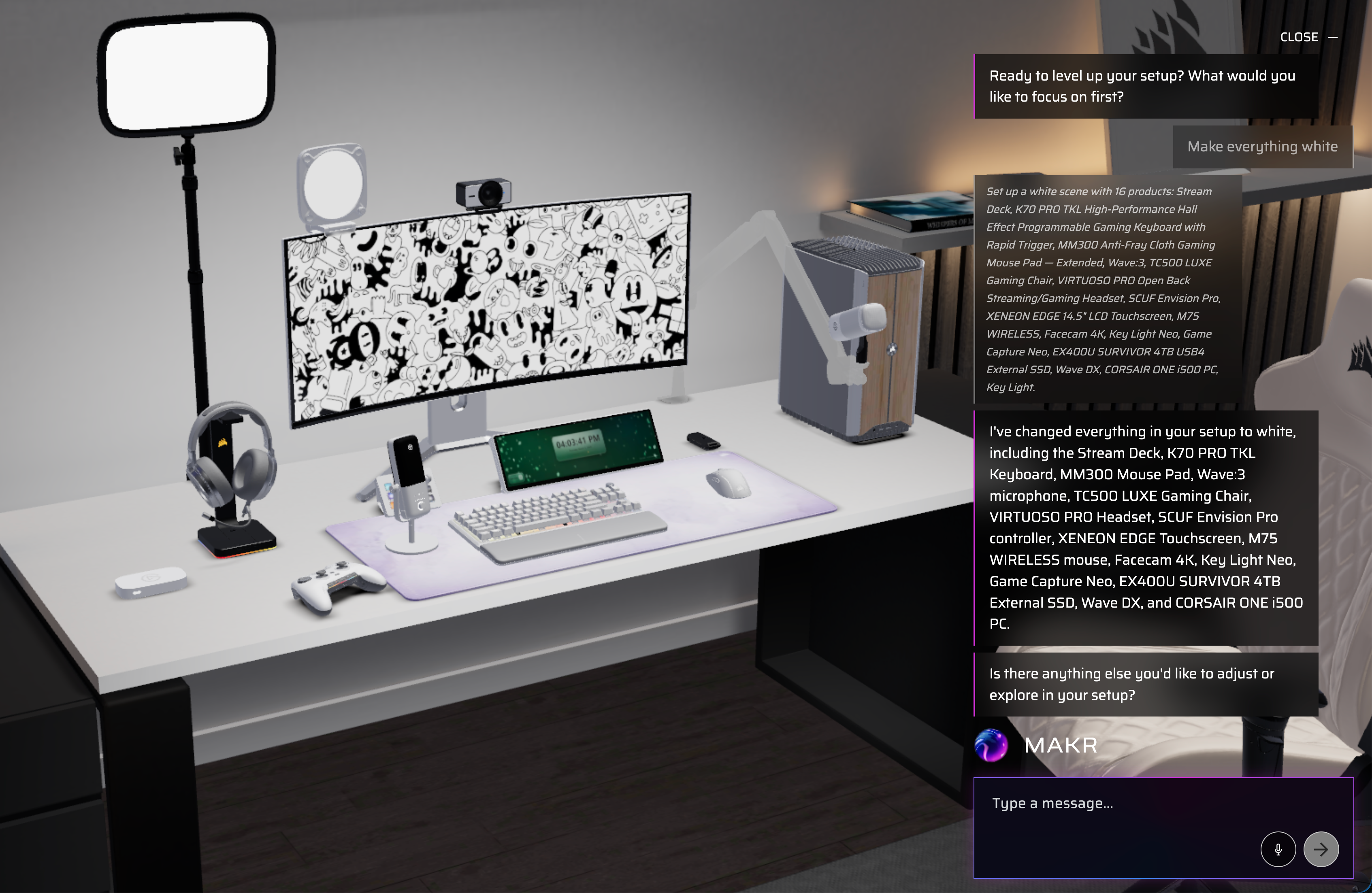
How to Color-Match Your Entire Setup with One Command
Say "make everything white" and watch MAKR recolor every product in your scene instantly. One voice or text command color-coordinates your entire setup across all brands.
5 steps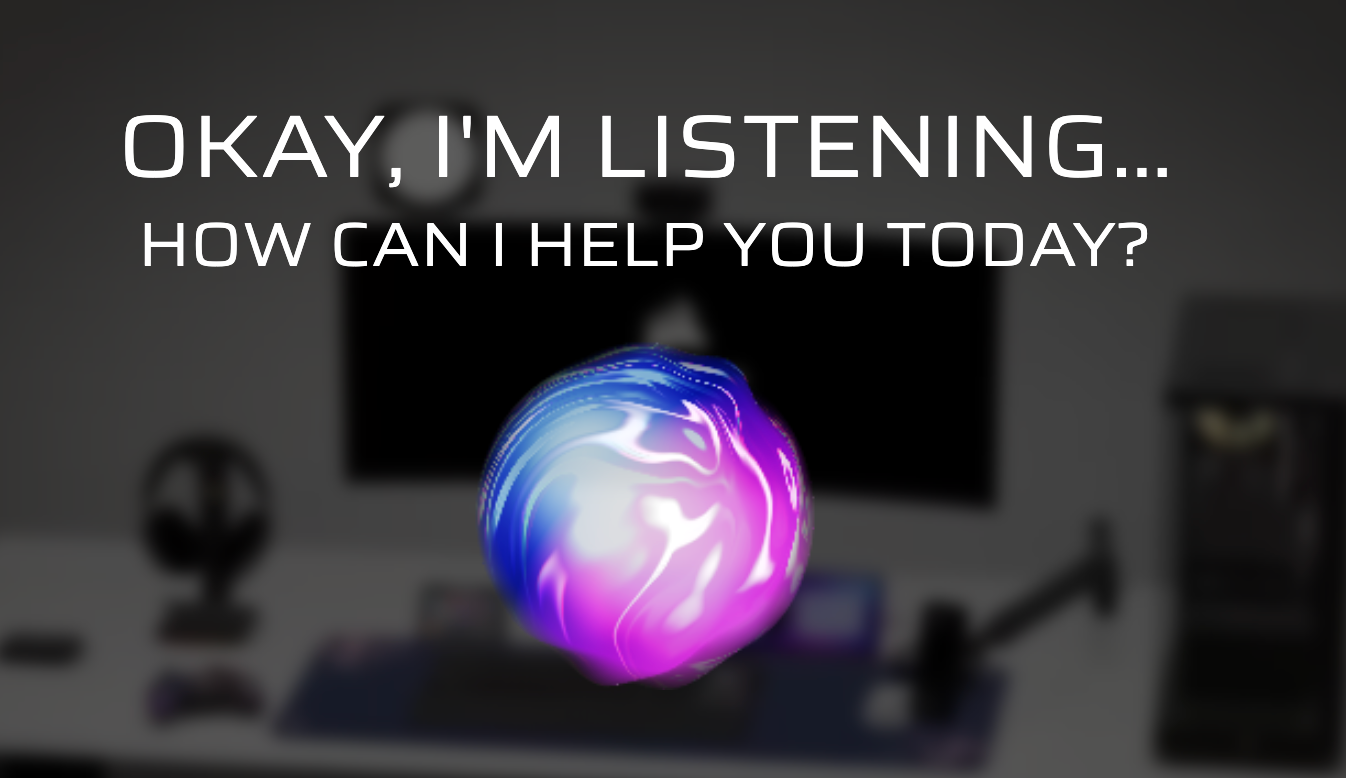
How to Design Your Setup Entirely by Voice
Talk to MAKR and watch your setup build itself in real-time 3D. Describe what you want, iterate by voice, and go from nothing to a complete build in under two minutes.
5 steps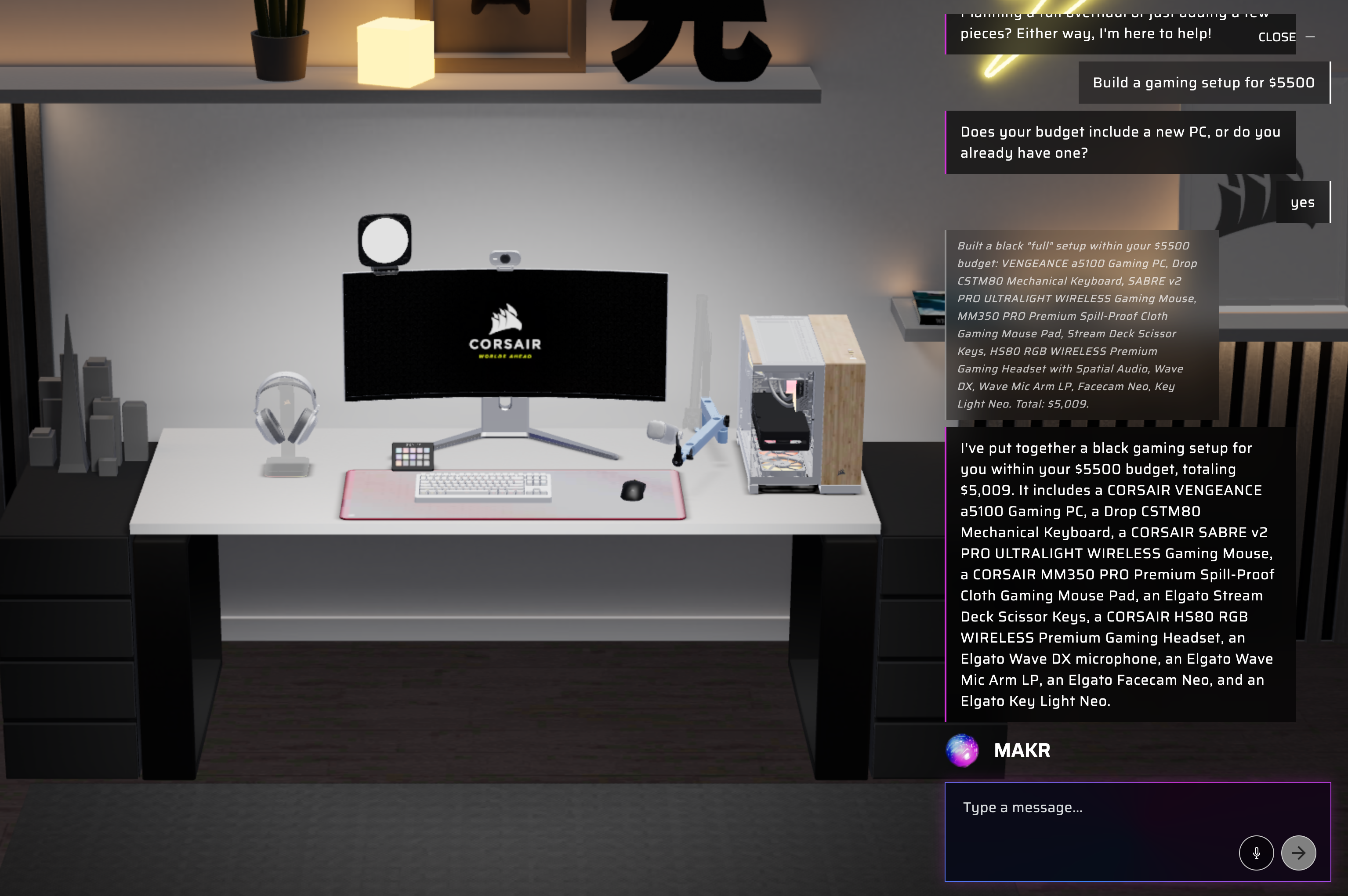
How to Get a Full Setup Within Your Budget
Tell MAKR your budget and get a complete gaming or sim racing setup that fits. The AI picks the right tier of gear and fills every slot automatically.
5 steps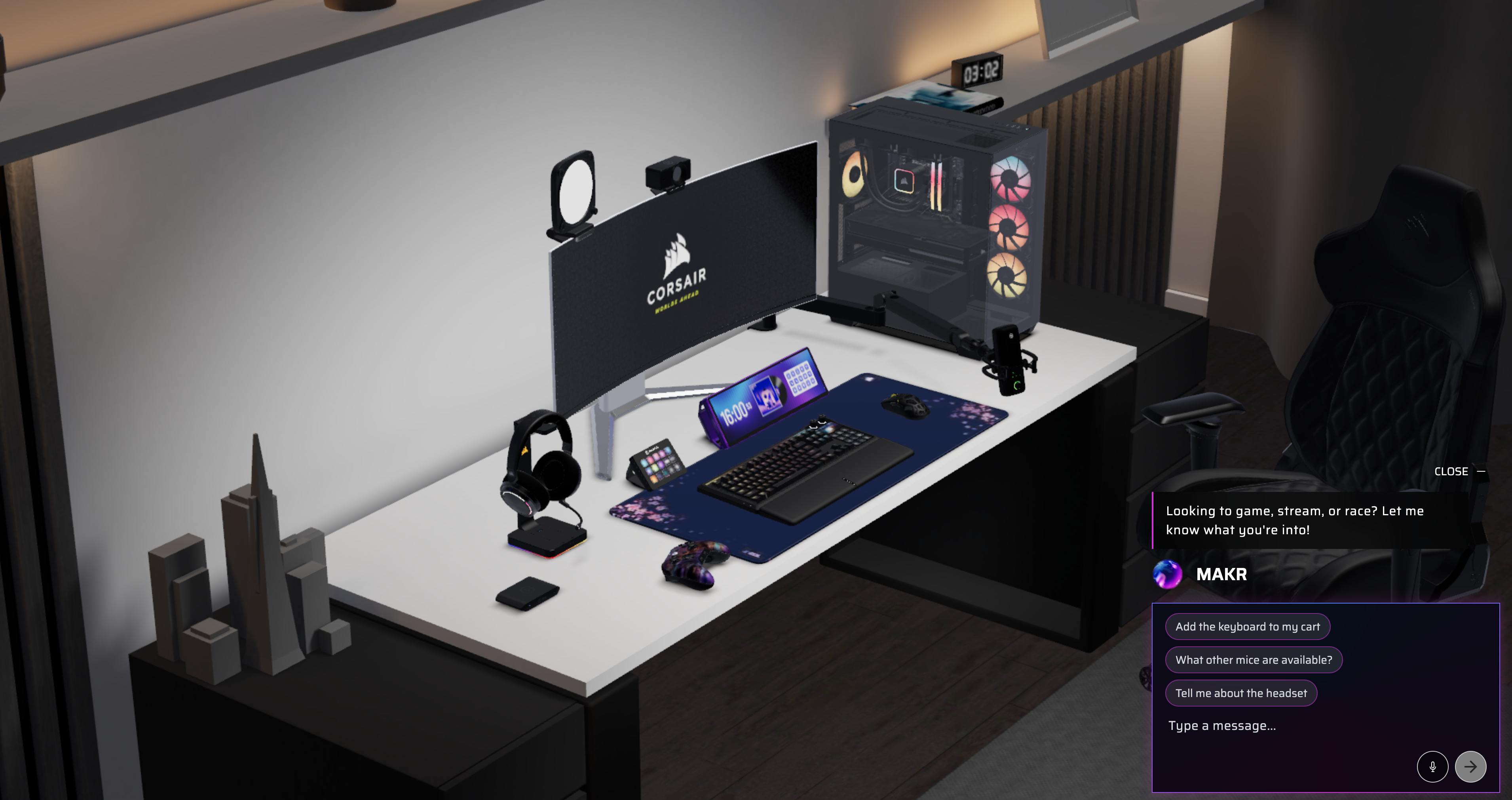
How to Design Your Desk Setup in Full 3D
Use Corsair Atelier to visualize your complete gaming desk in real-time 3D. Rotate, swap products, and see exactly how everything fits before you buy.
4 steps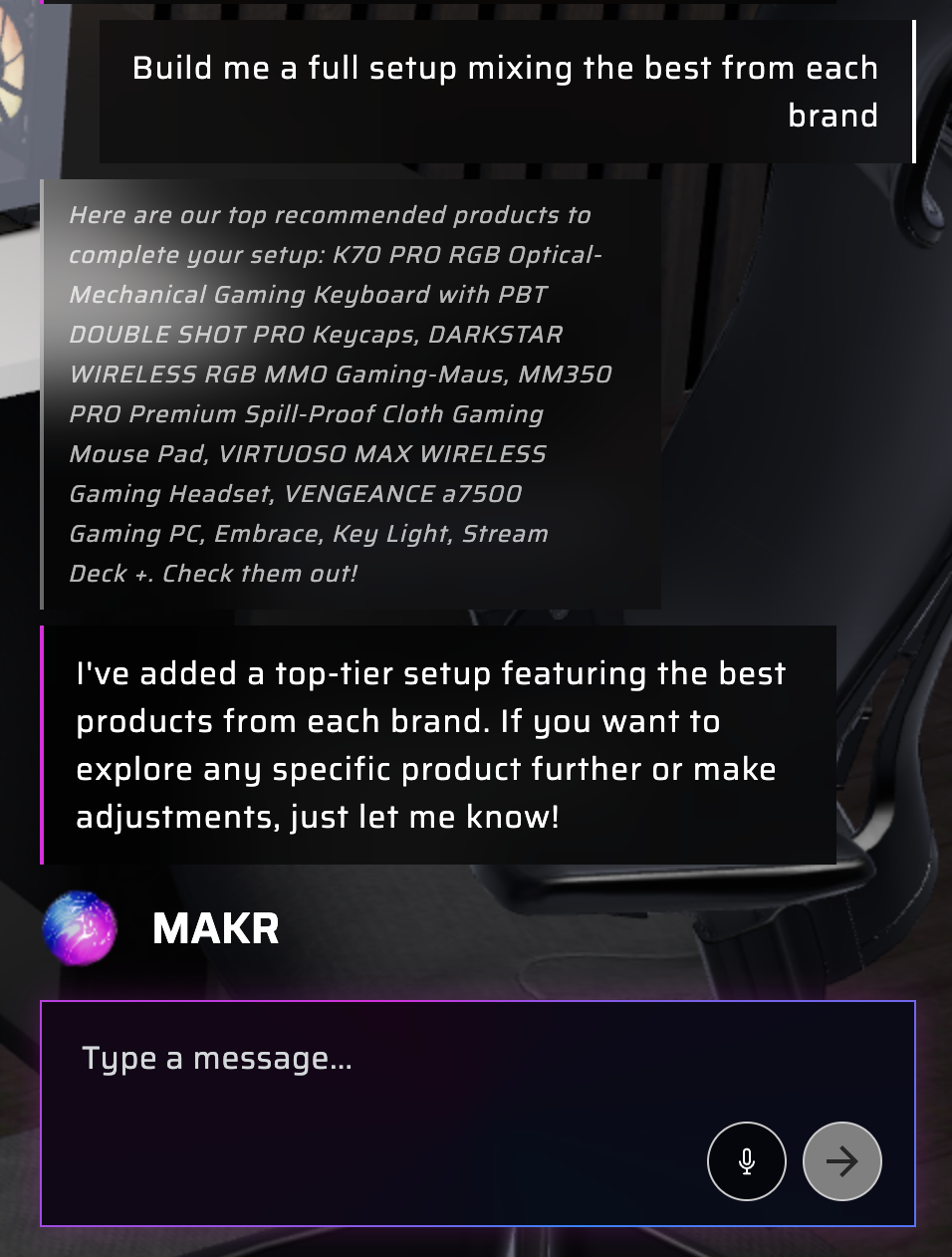
How to Use MAKR AI to Build a Setup Across 6 Brands
Let MAKR, the AI assistant in Corsair Atelier, mix products from Corsair, Elgato, Fanatec, Origin, SCUF, and DROP into one cohesive setup — no tab-switching required.
5 steps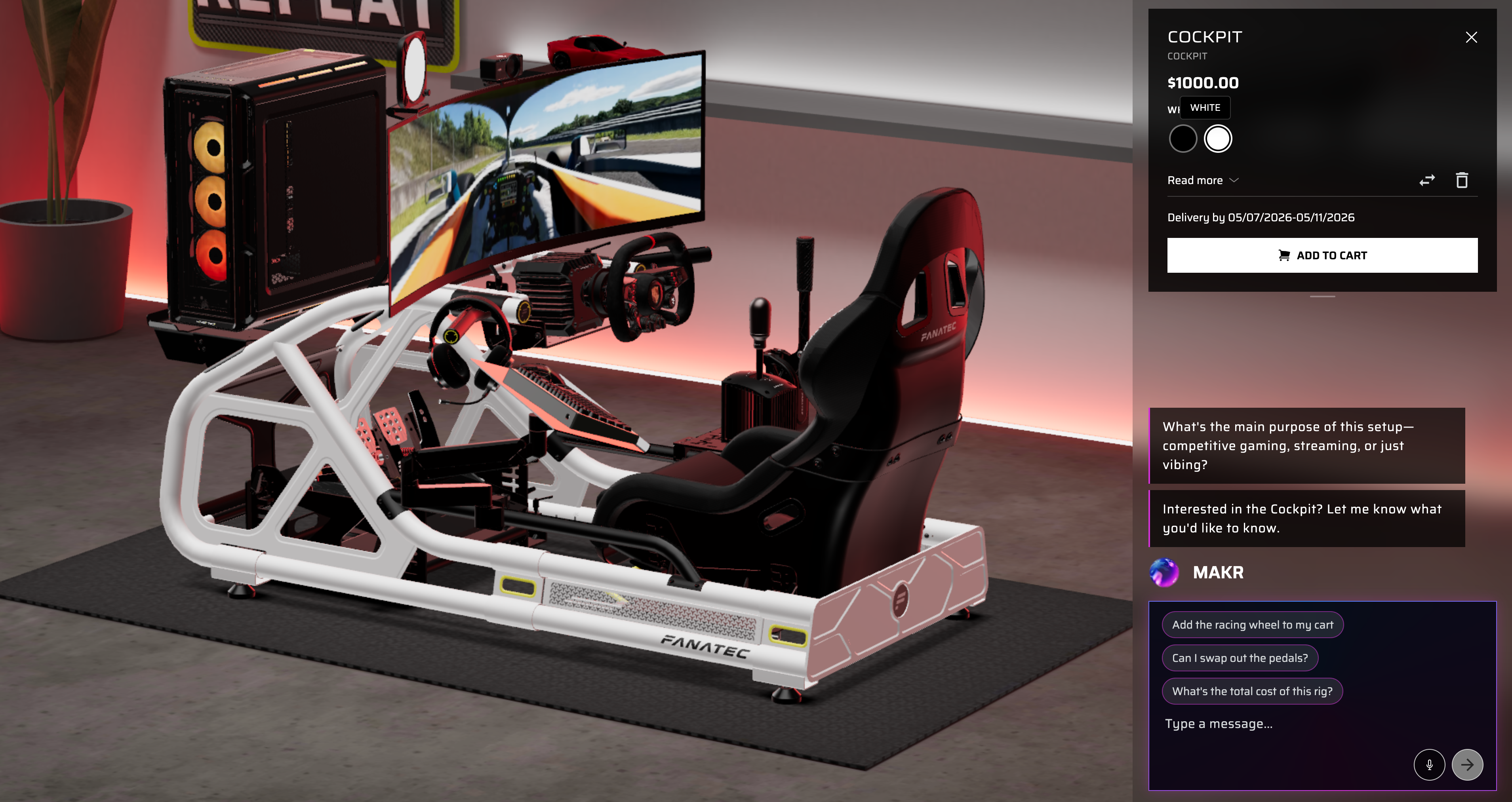
How to Plan Your Sim Racing Cockpit in 3D
Visualize your complete Fanatec sim racing rig in Corsair Atelier before you buy. See how wheels, pedals, and rigs fit together in real-time 3D.
5 steps