How to Design Your Desk Setup in Full 3D
Corsair Atelier lets you build your entire desk setup in a real-time 3D environment — no downloads, no plugins, just your browser. You can rotate the scene, swap products in and out, change colors, and see exactly how everything fits together before spending a penny.
What you need
- A web browser (desktop or mobile)
- About 5 minutes
Step 1: Pick a starting point
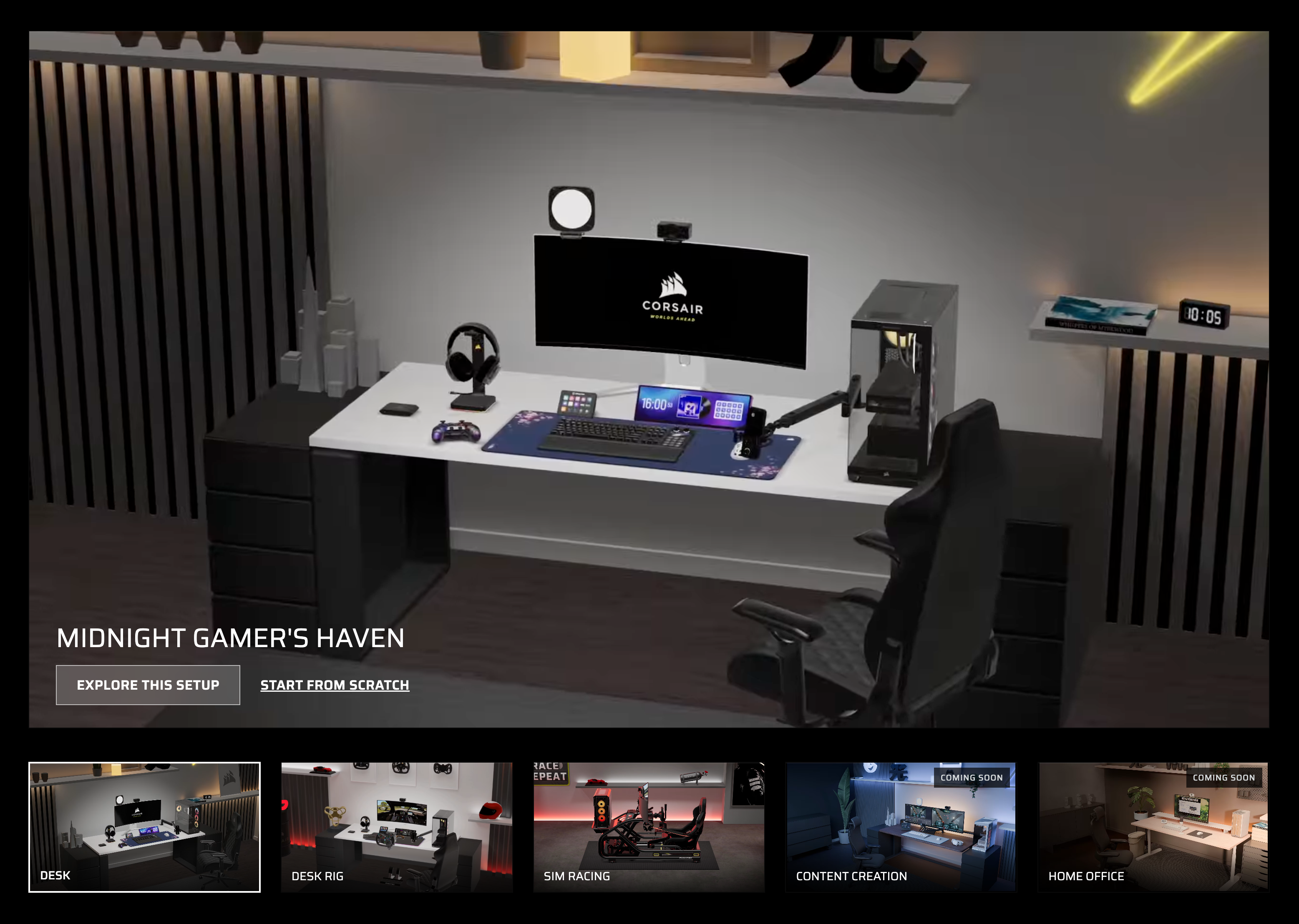
Head to atelier.corsair.com and choose a predefined scene that's closest to what you're going for — gaming, sim racing, or a combined desk rig. You can also start from scratch with an empty desk.
→ Start with a gaming desk scene
Step 2: Explore the 3D scene
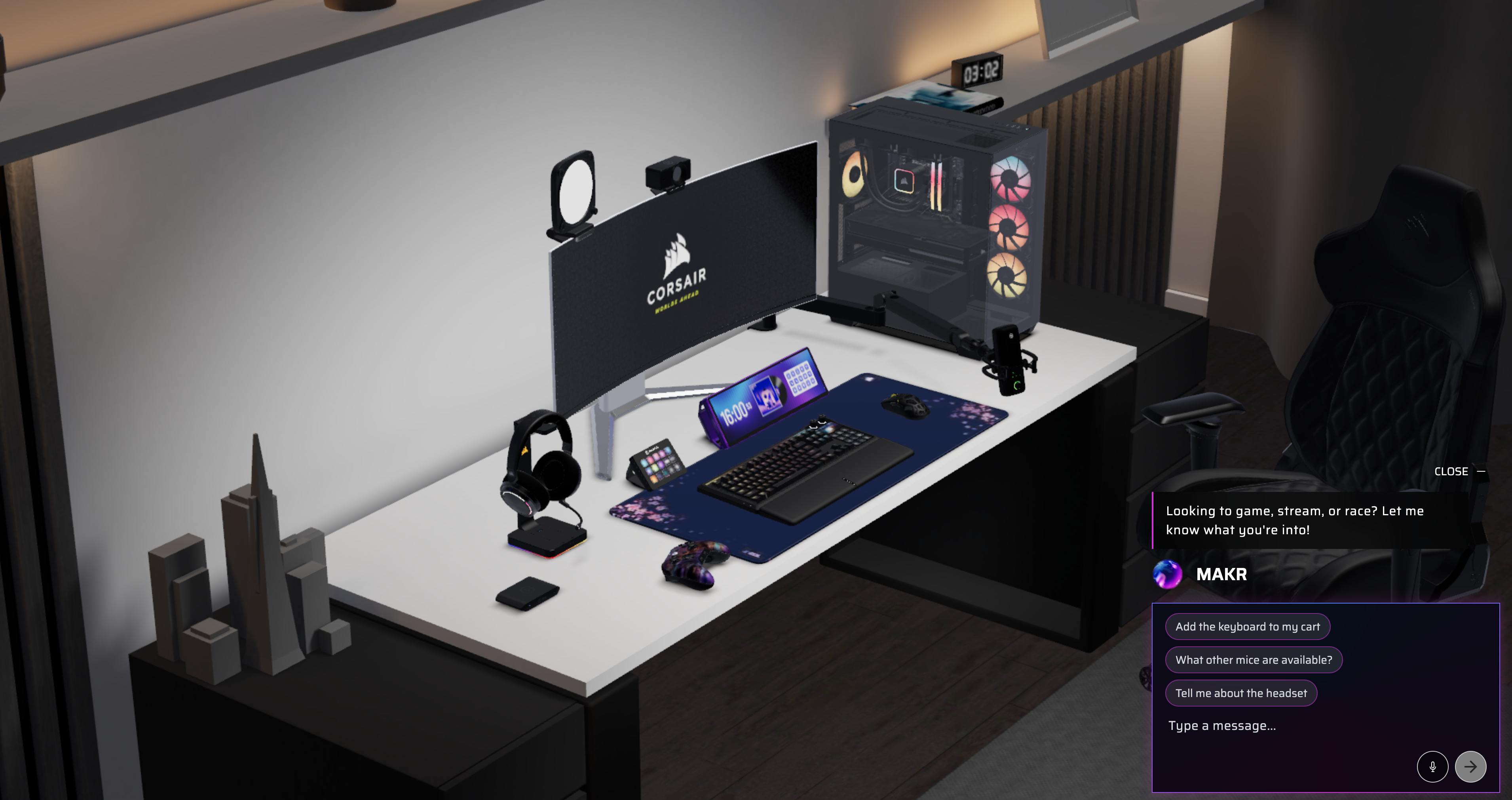
Once your scene loads, you're in full 3D. Click and drag to rotate the view. Scroll to zoom in and out. Click any product to focus on it and see its details — variant options, specs, and pricing.
Step 3: Swap and customize products
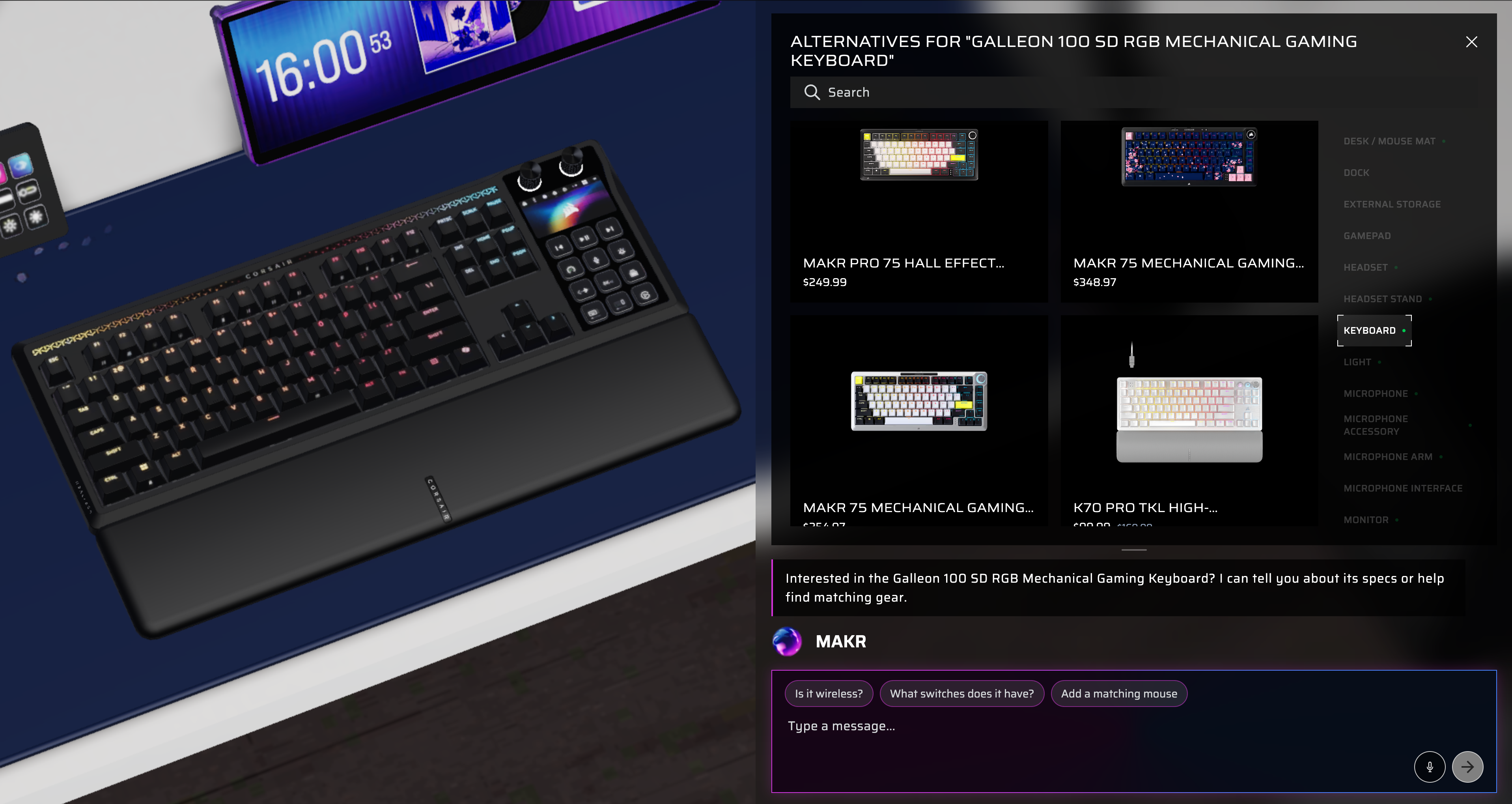
Click a product in the scene, then use the detail panel to switch variants (colors, sizes). Want a different product entirely? Open the product browser and pick a replacement — it'll slot right into the scene automatically.
Step 4: Save or share your design
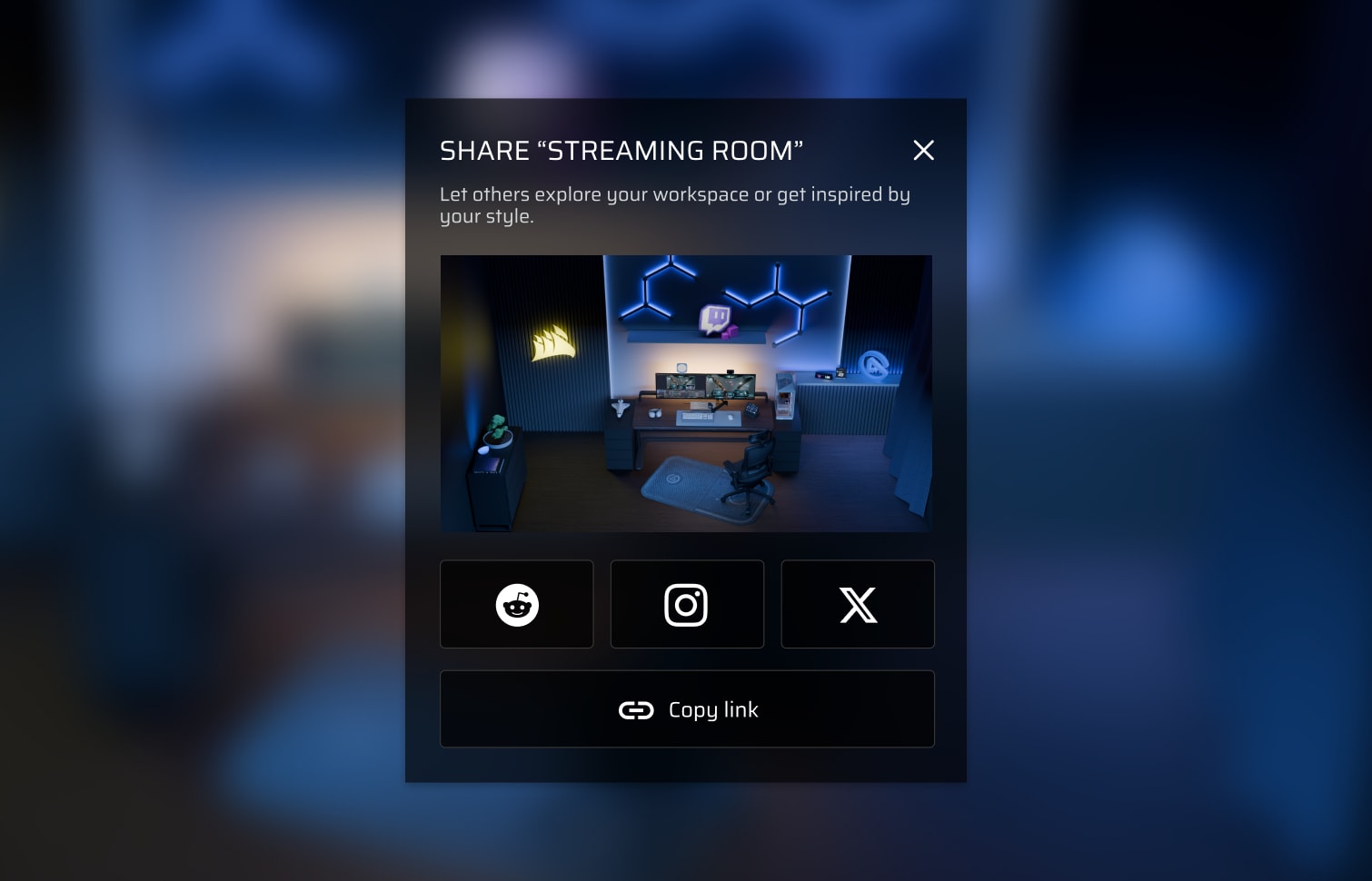
Happy with what you've built? Save your configuration to your account, or generate a share link so anyone can explore your exact setup in 3D.
Pro tips
- Use MAKR (the AI chat) to ask questions like "change everything to white" — it'll recolor your whole setup in seconds
- Click the LIST button at the bottom to see everything currently in your scene at a glance
- Try different desk types to see how your products look on a standing desk vs. a standard one
Ready to build your setup?
Design your perfect desk in real-time 3D — no downloads, no cost, just your browser.