How to Get a Full Setup Within Your Budget
You know how much you want to spend but not exactly what to buy. MAKR solves that — tell it your budget and it builds a complete setup that fits, picking the right tier of gear for each slot and balancing the spend across all your components.
What you need
- A web browser (desktop or mobile)
- A budget in mind (any amount works)
- About 3 minutes
Step 1: Start a scene and open the chat
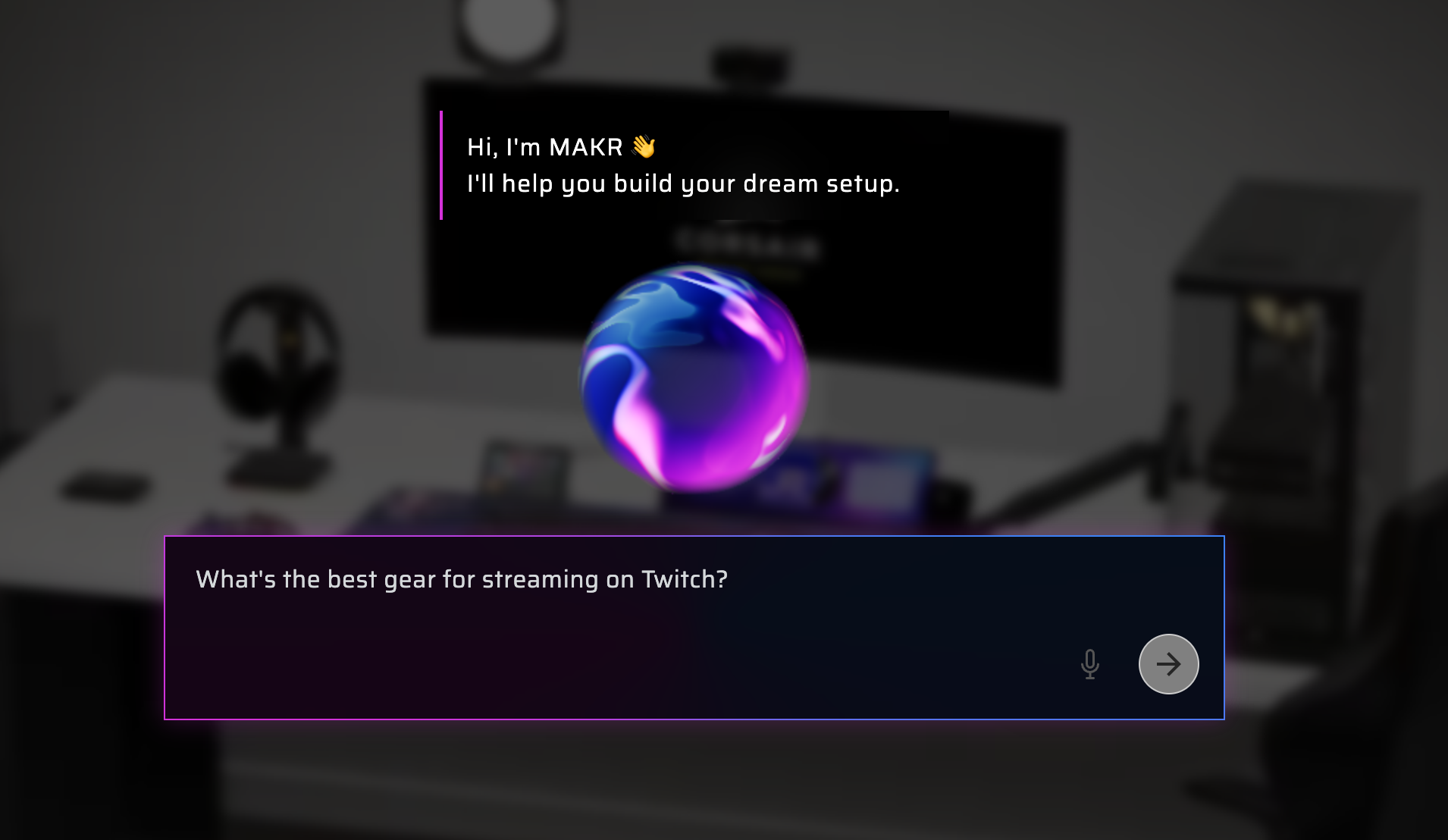
Load any scene type — desk, sim racing, or combined. Open the chat panel on the right to talk to MAKR.
→ Open Atelier and chat with MAKR
Step 2: Tell MAKR your budget
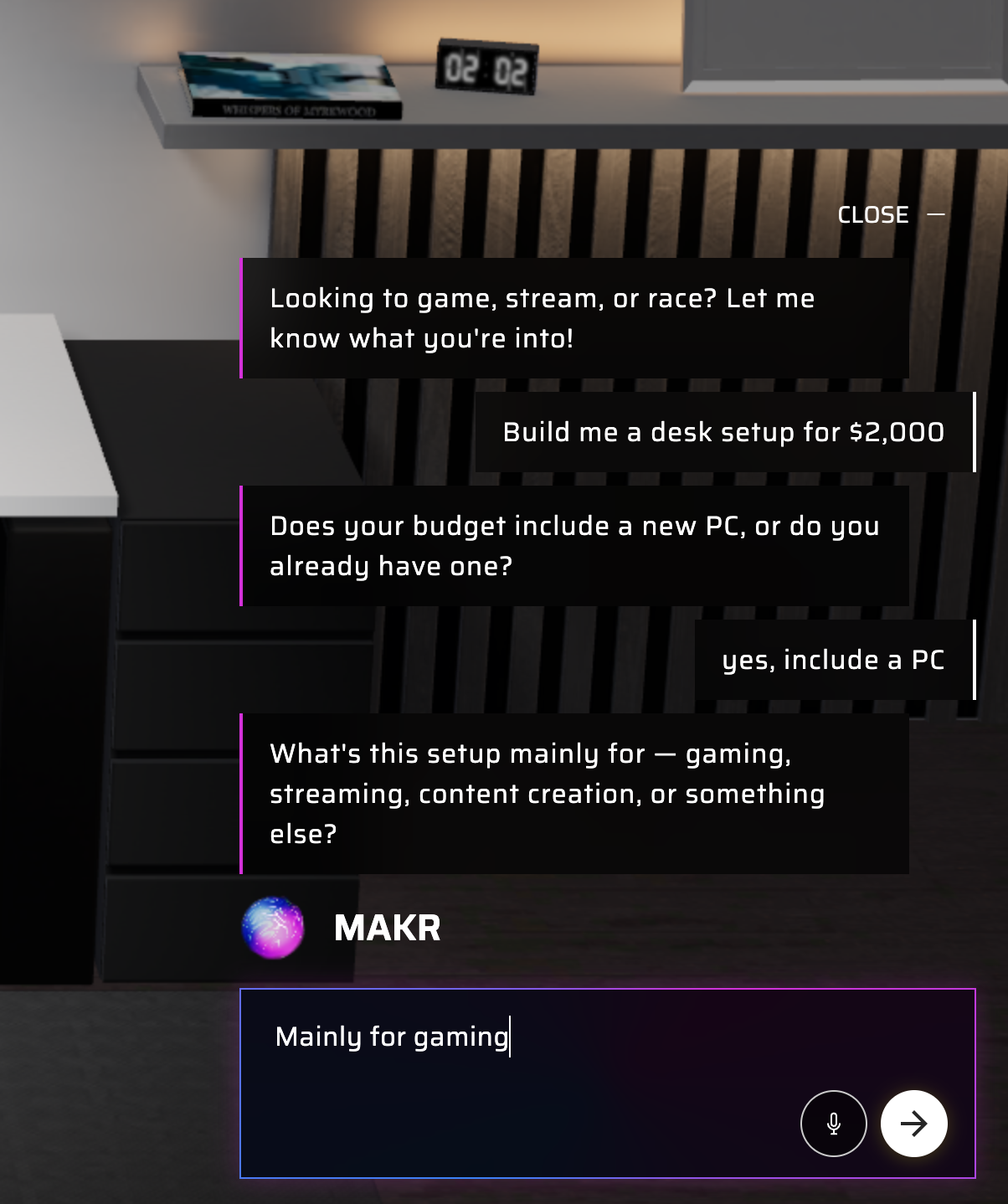
Type or say something like:
- "Build me a desk setup for $2,000"
- "I have $1,500 for a sim racing rig"
- "What can I get for $3,000 including a PC?"
MAKR will ask a couple of clarifying questions — whether you need a PC included, what colors you prefer, and which scene type you want.
Step 3: Watch MAKR fill your scene
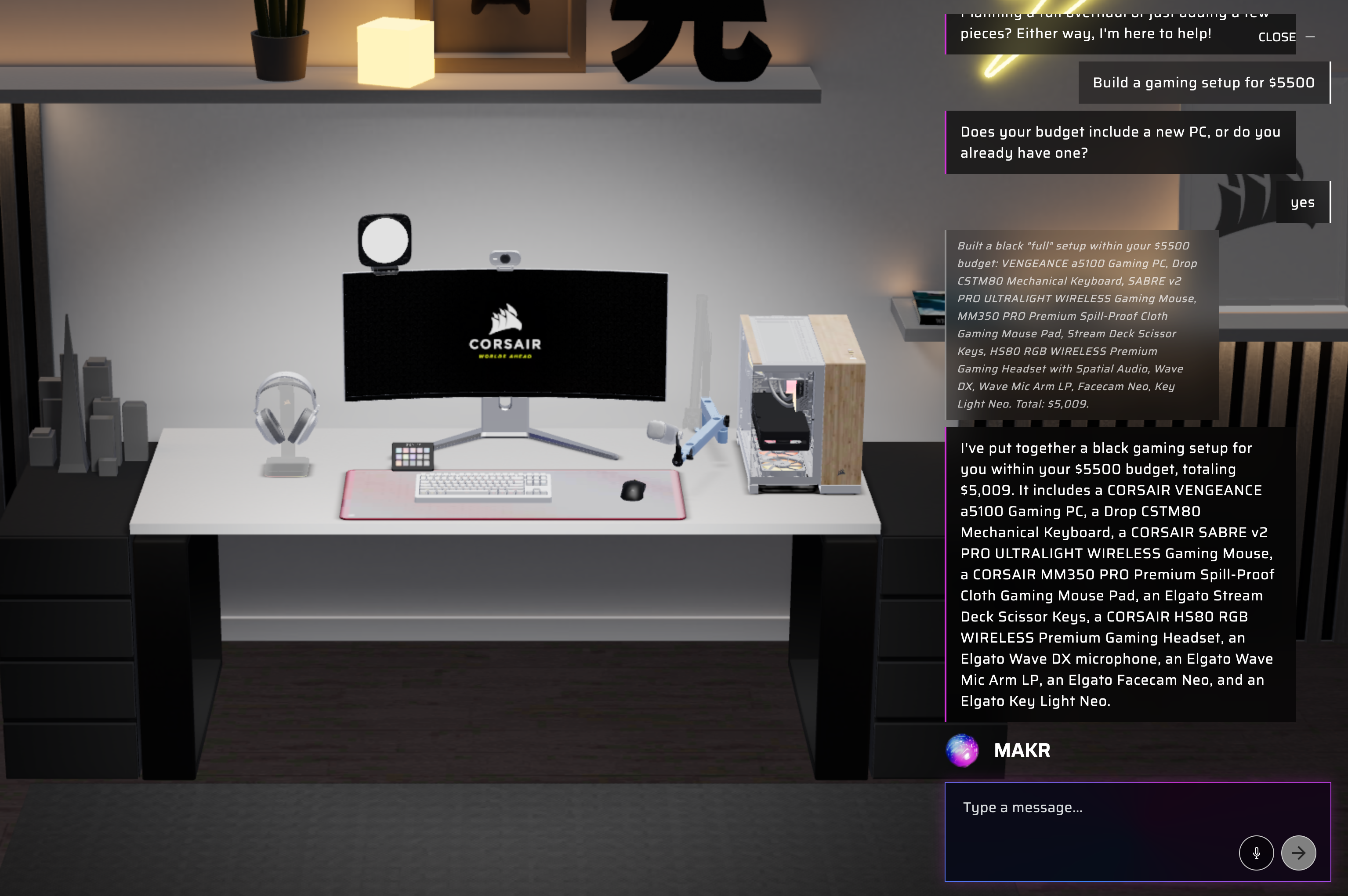
MAKR picks products at the right price tier to maximize your budget. You'll see each product appear in the 3D scene with a running total. It fills every slot — keyboard, mouse, headset, monitor, and more.
Step 4: Swap anything that doesn't fit
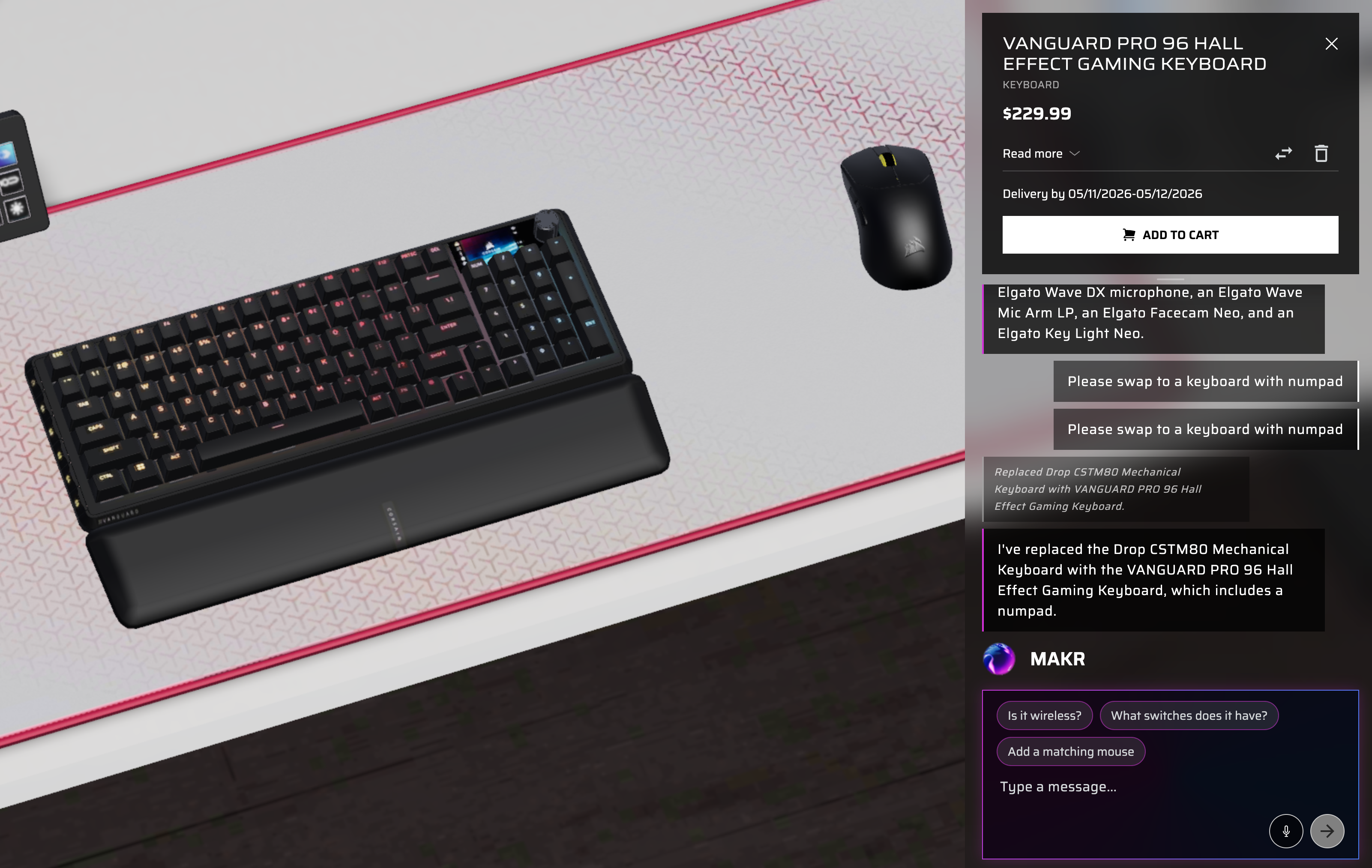
Not happy with a pick? Tell MAKR to swap it — "I'd rather spend more on the keyboard and less on the mouse." It'll rebalance while staying within your budget.
Step 5: Review the total and check out
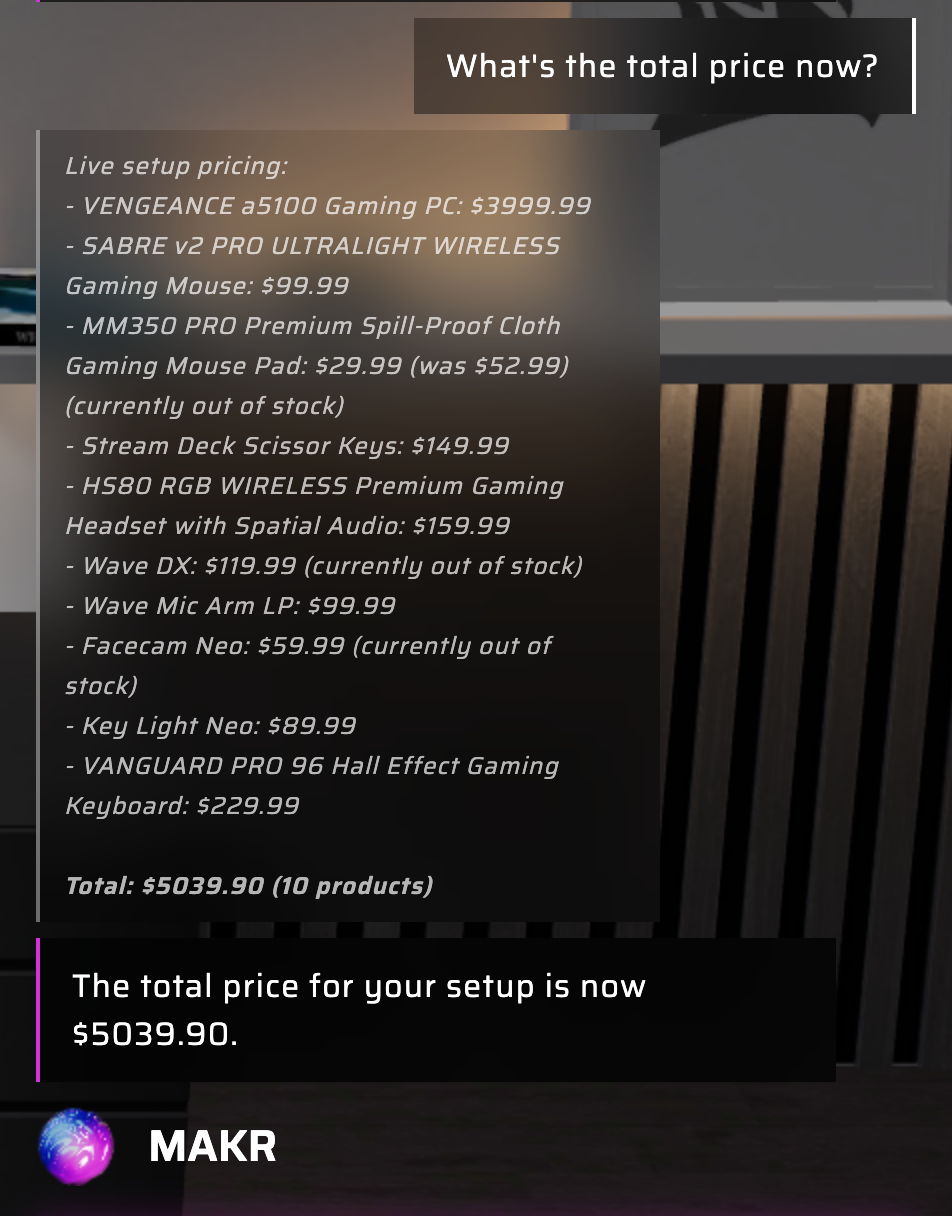
Ask MAKR to show the total price. If it's within range, add everything to cart in one click. If you want to adjust, keep tweaking until it's perfect.
→ Try it — tell MAKR "build me a setup for $2,000"
Pro tips
- Specify brand preferences: "build me a $2,000 Elgato-focused streaming setup"
- Ask MAKR to prioritize specific categories: "spend most of the budget on the wheel and pedals"
- You can ask for multiple budget options: "show me what I'd get at $1,000 vs $2,000"
Ready to stretch your budget?
Tell MAKR what you want to spend and get a complete, curated setup — balanced across every component.